Elementor Pro v4.2.1
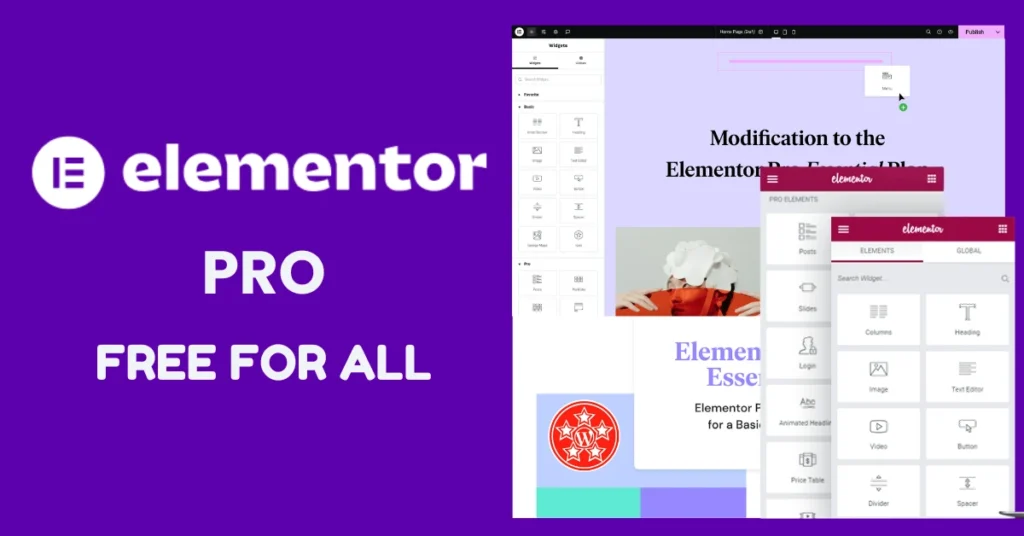
This file is 100% original GPL. We do not host or modify any files.
We only share files that are already available elsewhere on the internet.
Elementor Pro: Features, System Requirements, and Installation Overview
Elementor Pro is an advanced, visual page builder plugin for WordPress that extends the core plugin with powerful design tools, a comprehensive Theme Builder, dynamic content handling, and hundreds of professional widgets.
Core Highlights & What’s New in Version 4.2.1
-
Advanced Theme Builder: Visually design headers, footers, single posts, archives, and 404 templates.
-
Atomic Editor Updates: Enhanced global class usage tracking, atomic form enhancements (including new Radio, Select, Date Picker, Time Picker, File Upload, and Webhook URL elements), and refined query handling security.
-
Widget Improvements: Bug fixes for search widgets, Lottie dynamic tags, and taxonomy filters.
Minimum System Requirements
To run Elementor Pro smoothly, ensure your hosting environment meets or exceeds the following specifications:
-
WordPress Version: 6.8 or greater
-
PHP Version: 7.4 or greater
-
Database: MySQL version 5.6 or MariaDB version 10.5 (or higher)
-
Memory Limits: PHP Memory Limit of 256 MB (or greater) and WordPress Memory Limit of 256 MB (or greater)
Step-by-Step Installation Guide
-
Extract Package: Use an extraction tool like WinRAR or 7-Zip to unpack your downloaded archive, which contains separate folders/files for both the core Elementor plugin and Elementor Pro.
-
Install Core Version:
-
Connect Account: Follow the on-screen prompt to log in or create a free account to link your website.
-
Install Pro Version:
-
Go back to Plugins > Add New > Upload Plugin.
-
Choose the Elementor Pro file, click Install Now, and hit Activate.
-
-
Get Started: Once activated, you can access professional template libraries, design blocks, and build custom layouts directly from your WordPress editor.

Copyright & Original Author Disclaimer
This disclaimer governs your use of WPGPLTop. By accessing our website and downloading our digital products, you accept this disclaimer in full.
balance 1. GNU General Public License (GPL)
All WordPress themes, plugins, and PHP scripts distributed on WPGPLTop are licensed under the GNU General Public License (GPL). We are legally permitted to redistribute these items. We do not provide, host, or distribute modified, cracked, or nulled software. All files are 100% original and unmodified, obtained directly from the original developers.
copyright 2. Original Authors & Trademarks
WPGPLTop are not affiliated, associated, authorized, endorsed by, or in any way officially connected with the original developers, creators, or copyright holders of the software provided on this site (including but not limited to WordPress, WooCommerce, Elementor, and other respective brands).
- All products, names, registered trademarks, and logos are the property of their respective original owners.
- The use of these names and trademarks on WPGPLTop is purely for identification and reference purposes only.
gavel 3. Website Copyright
While the software redistributed here is licensed under the GPL, the unique content of this website—including the site design, layout, text, graphics, and custom code—is the exclusive property of WPGPLTop. You may not reproduce, duplicate, or copy the proprietary content of this website without explicit written permission.
shield_error 4. Warranty & Liability
Last Updated: July 2026 | Contact: contact@wpgpltop.com
Leave a Reply