
Overview
Newspaper Theme v12: Features, Setup, SEO, Speed & Complete Guide
Choosing a WordPress theme for a content-heavy website is not simply about finding an attractive homepage. A serious news site, online magazine, review publication, business portal, directory, or content platform needs a theme that can handle structured layouts, categories, authors, images, advertising, mobile visitors, and ongoing publishing without making everyday management unnecessarily complicated.
That is where Newspaper Theme v12 stands out. Developed by tagDiv, the Newspaper theme is designed around publishing-focused websites but has expanded into a broader WordPress website-building system. The official Newspaper documentation and product pages describe support for news, magazines, blogs, business websites, WooCommerce stores, memberships, and directory-style projects.
It is also important to understand what people mean when they search for Newspaper 12 WordPress Theme. Version 12 is not just one static feature set. The v12 branch has continued to receive updates. tagDiv’s official changelog currently lists Newspaper 12.7.7, released on July 22, 2026, with security fixes, block-editor improvements, and updated bundled plugins.
This guide explains what Newspaper Theme v12 offers, who should use it, how its major systems work, how to approach SEO and performance, and which mistakes can prevent you from getting the most from the theme.
What Is Newspaper Theme v12?
Newspaper Theme v12 is a premium WordPress theme and visual site-building platform from tagDiv. Its primary focus is publishing, but the feature set extends well beyond a traditional blog theme.
The theme combines WordPress content management with tagDiv’s own visual tools, including tagDiv Composer, Cloud Library templates, layout-building systems, template customization, and specialized content elements. The official product site describes it as a WordPress builder for news, magazine, business, WooCommerce, membership, and directory websites.
Instead of treating a theme as a fixed design that you barely customize, Newspaper takes a more visual approach. You can build or modify headers, footers, article templates, category pages, archives, and other layouts through its dedicated tools.
This makes it particularly interesting for publishers that expect the website to evolve. A small blog can start with a simple design and later develop separate content sections, sponsored areas, author pages, product content, or membership features without necessarily changing the entire theme architecture.
What Makes Newspaper Theme v12 Different?
One of the biggest differences between Newspaper and a basic WordPress blog theme is the number of systems it brings together.
| Area | What Newspaper v12 Provides | Best Use Case |
|---|---|---|
| Visual building | tagDiv Composer and front-end design controls | Custom page and layout creation |
| Templates | Cloud Library and customizable layouts | Fast site launches and redesigns |
| Publishing | Post, category, author and archive layouts | News and magazine websites |
| WooCommerce | Dedicated store elements and layouts | Online shops and content-commerce websites |
| Directories | Listings, custom fields, filters and related tools | Business and directory platforms |
| Membership | Paywall and subscription-oriented functionality | Premium content websites |
| Performance | Optimization options and selective loading improvements | Large content-heavy websites |
The official Newspaper 12 update introduced several major capabilities, including directory and listings tools, custom fields support, frontend post submission, forms, user reviews, Google Maps integration, and additional pre-built websites.
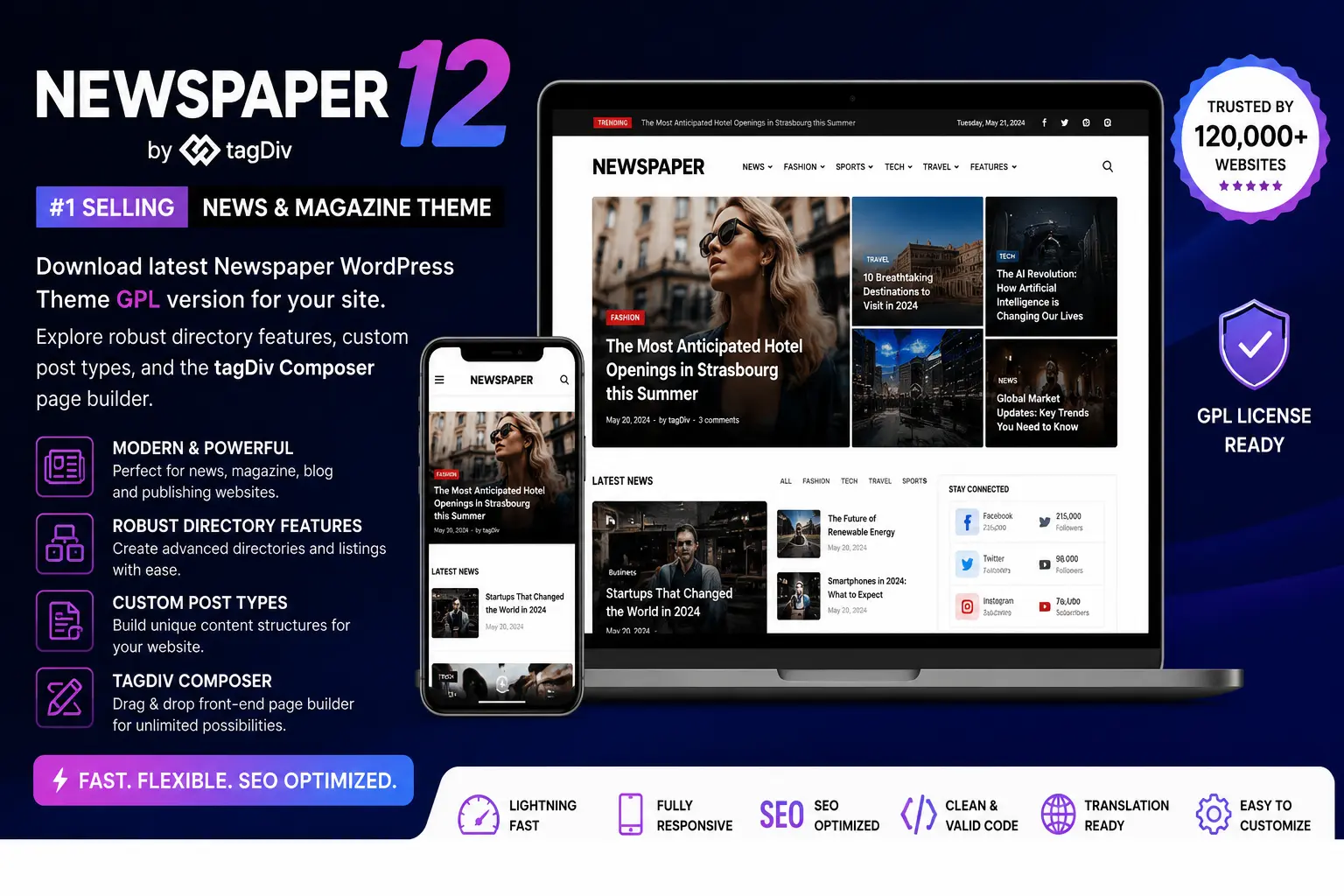
Newspaper 12 WordPress Theme Features
1. Visual Front-End Design
A major attraction of the Newspaper system is its visual approach to website building. The tagDiv Composer is designed for drag-and-drop editing from the front end rather than forcing every layout change through code.
tagDiv’s documentation recommends using its Composer for pages created with Newspaper and warns against mixing different page builders on the same page because doing so can create conflicts or inconsistent editing workflows.
For site owners who frequently create landing pages, custom category layouts, promotional pages, or special article formats, this can save substantial development time.
2. Cloud Library Templates
The Cloud Library is another important component. Instead of designing every page from scratch, you can start with pre-built designs and customize them.
The current Newspaper product page describes a large library of pre-built websites and templates, while official documentation explains that pre-built sites can be previewed and installed from the Newspaper interface.
This is especially useful when launching a new website quickly. A publisher can import an appropriate magazine-style starting point, replace the demo content with original material, and then refine the navigation, branding, typography, colors, and content structure.
3. Newspaper 12 Directory and Listing Features
One of the most significant developments in version 12 is the expansion from conventional publishing into directory-style websites.
The Newspaper 12 update introduced a directory and listings system with features such as custom fields, listing templates, user reviews, submission controls, taxonomies, and Google Maps integration.
That opens the door to websites such as local business directories, service directories, real estate portals, review platforms, job listing projects, and niche databases.
4. Modules Builder
Newspaper 12.4 added a Modules Builder that allows site owners to create customized content modules and use them with Flex Block and Flex Loop systems. tagDiv’s documentation specifically highlights the ability to create modules, customize their appearance, and preview how they work across different viewport sizes.
This matters for publishers because content presentation is rarely one-size-fits-all. A technology article may need a large featured image and metadata, while a short news item could require a compact headline-and-thumbnail format.
5. WooCommerce Support
Newspaper is also designed to work with WooCommerce. The official product page highlights dedicated WooCommerce elements and a collection of drag-and-drop components aimed at online stores.
This is valuable for content websites that want to combine editorial publishing with commerce. For example, a technology publication could sell accessories, an educational website could sell digital products, and a niche magazine could operate a related product store.
For a calculator website, the same concept could be useful when a publisher wants to combine informational articles, tools, downloadable resources, and commercial products. Your existing articles such as Multiple Discount Calculator can serve as examples of the type of practical, tool-focused content that benefits from a clear magazine-style content structure.
6. Frontend Post Submission
Newspaper 12 added frontend post-submission capabilities, including form building, custom fields, guest posting, custom taxonomies, and submission limits.
This can be useful for community websites where contributors need to submit content without having unrestricted access to the WordPress administration area.
7. Reviews and User-Generated Content
The v12 family also expanded its support for reviews. Newspaper 12 introduced review functionality that can be used with custom post types and offers multiple criteria and moderation-oriented controls.
For review websites, this creates interesting possibilities. A single website can publish editorial reviews while also allowing visitors to contribute structured feedback, provided the moderation and editorial policies are clearly defined.
Newspaper Theme v12 SEO Features
A theme cannot guarantee search rankings. SEO performance depends on content quality, site architecture, internal linking, technical implementation, authority, user experience, and many other factors.
However, a theme can make good SEO practices easier to implement.
tagDiv states that Newspaper is built with SEO considerations in mind and supports integration with SEO plugins such as Yoast SEO, along with structured data and schema-related functionality.
Important SEO Areas to Configure
- Page titles: Use clear, descriptive titles rather than stuffing multiple keywords into every heading.
- Heading hierarchy: Keep one clear H1 and use H2 and H3 elements to organize sections.
- Breadcrumbs: Use consistent navigation so users and search engines can understand page relationships.
- Internal linking: Connect related articles, tools, categories, and cornerstone pages.
- Image optimization: Compress images and write useful alternative text when appropriate.
- Structured data: Configure supported schema carefully and ensure the markup matches the visible content.
- Mobile experience: Test menus, typography, ads, tables, forms, and content blocks on smaller screens.
Google’s current documentation emphasizes people-first content: useful pages should provide original value, satisfy the visitor’s goal, and demonstrate appropriate expertise rather than being created primarily to manipulate search rankings.
That principle is particularly important for websites using feature-rich themes. Having hundreds of design options does not make thin or repetitive content more useful.
How to Set Up Newspaper Theme v12
The exact interface can change between releases, but the general setup process remains straightforward.
Step 1: Install WordPress
Start with a clean, secure WordPress installation and verify that your hosting environment meets the requirements of your chosen WordPress version and plugins.
Step 2: Install the Newspaper Theme
tagDiv’s official documentation explains that the Newspaper package contains the main Newspaper.zip theme file. Through WordPress, the basic process is to go to Appearance > Themes > Add New > Upload Theme, select the theme ZIP, install it, activate it, and then install the required theme plugins.
Step 3: Install Required Components
Newspaper’s documentation identifies plugins such as tagDiv Composer and tagDiv Cloud Library among the required components for the theme’s functionality.
Step 4: Register the Theme
The official installation documentation also instructs users to register and activate the Newspaper theme after installation to access the theme’s full benefits and functionality.
Step 5: Choose a Starting Design
Instead of spending days creating a homepage from scratch, choose a suitable pre-built website as a starting point. Select a design that resembles the structure of your real project rather than simply choosing the most visually impressive demo.
Step 6: Replace Demo Content
This step requires care. Demo posts, placeholder categories, sample authors, and stock content should be replaced with your own original website content.
tagDiv’s documentation explicitly warns that imported pre-built content is tied to the imported demo and should not simply be treated as permanent original site content.
Step 7: Configure the Header and Footer
Create a simple header that prioritizes branding, primary navigation, search, and important user actions. Do not overload the header with dozens of links merely because the theme provides many options.
Step 8: Build Your Content Templates
Set up your article template, category template, author page, archive pages, search results, and other important layouts before publishing large amounts of content.
This is an area where Newspaper’s template-building approach can be especially helpful because you can create reusable layouts rather than manually styling every article.
Newspaper Theme v12
How to Build a Fast Newspaper Theme v12 Website
Feature-rich themes require sensible configuration. Even an optimized theme can become slow when a website loads too many scripts, widgets, images, advertising elements, third-party services, and visual effects.
Newspaper has introduced performance-focused improvements over its v12 releases. For example, version 12.4 added delayed loading capabilities for content in menus and popup areas, intended to reduce unnecessary DOM content and improve page performance.
The official changelog also notes later v12 improvements such as loading specific JavaScript files only when needed and optimization options for CSS associated with blocks.
Practical Speed Checklist
- Use modern image formats where practical.
- Resize images before uploading extremely large originals.
- Keep animation and decorative effects under control.
- Limit unnecessary third-party scripts.
- Use caching at both the WordPress and server levels when appropriate.
- Review advertising placements carefully.
- Remove plugins and widgets that no longer provide measurable value.
- Test both mobile and desktop performance.
- Keep WordPress, Newspaper, and supporting plugins updated.
Do not confuse a strong theme with a guarantee of a high PageSpeed score. A site’s actual performance depends on the complete stack, including hosting, database load, images, plugins, JavaScript, fonts, caching, CDN configuration, advertisements, and content structure.
Newspaper Theme v12 for Content and Calculator Websites
Although the theme is famous for news and magazine websites, its publishing architecture can be useful for other content-rich projects.
Consider a calculator website. Instead of publishing only a tool, the site can create supporting educational content around each calculator. For example, an article about a discount calculator can explain formulas, examples, edge cases, and real shopping scenarios.
Your existing content such as Discount Percentage Formula: Complete Guide, How to Calculate Sale Price, and Advanced Multiple Discount Strategies illustrates how practical tool-based content can be expanded into useful editorial resources.
A well-structured Newspaper-powered calculator site could organize content into sections such as:
- Shopping calculators
- Finance calculators
- Loan and EMI guides
- Health and everyday calculators
- Calculation tutorials
- Real-world examples
- Frequently asked questions
The key is not the theme itself. The key is building a useful information architecture in which calculators, guides, category pages, and explanatory content support one another.
Newspaper Theme v12 and Mobile UX
Mobile visitors should be treated as a primary audience rather than an afterthought.
The Newspaper documentation describes responsive behavior and a structure intended for small-screen users. still be unpleasant to use.
Pay particular attention to navigation menus, font sizes, paragraph width, buttons, tables, advertisements, sticky elements, popups, search forms, comment areas, and calculator input fields.
For content sites, readability often matters more than visual complexity. A clean article with comfortable spacing can outperform a page overloaded with decorative modules that distract visitors from the actual information.
Newspaper Theme v12 for WooCommerce Websites
Newspaper can be useful when content and commerce need to coexist.
A traditional WooCommerce theme usually focuses primarily on products and shopping. Newspaper can be more interesting when the business also depends heavily on editorial content, such as reviews, buying guides, news, tutorials, comparisons, or educational content.
For example, an electronics store could publish:
- Product comparison articles
- Buying guides
- How-to tutorials
- Industry news
- Product reviews
- Deal and discount guides
Those content types can then connect naturally with product pages.
Newspaper’s official site specifically highlights its WooCommerce elements and store-building capabilities, making it a reasonable option for a content-first commerce project.
Newspaper Theme v12 Customization: Colors, Fonts and Branding
A professional website should look consistent rather than merely colorful.
Newspaper supports global color controls and more granular styling through its visual editing tools. The official documentation explains that colors can be controlled globally through the Theme Panel and individually through the Composer.
Similarly, typography can be managed through theme-level settings and individual element controls.
A sensible branding system should usually define:
- One primary brand color
- One secondary accent color
- A readable body font
- A strong heading hierarchy
- Consistent button styling
- A predictable link treatment
- Consistent image proportions
Do not customize every block independently unless there is a good reason. Too many one-off styles can make a site visually inconsistent and harder to maintain.
Newspaper Theme v12 and Website Monetization
Publishing websites often rely on more than one revenue source. Newspaper has features and integrations designed around advertising, memberships, WooCommerce, and other monetization models.
However, monetization should never overpower usability.
A page covered in ads, popups, sticky elements, auto-playing media, and promotional boxes can become difficult to read. Google’s publisher guidance states that publishers must comply with applicable policies, and policy violations can lead to blocked ads or account consequences.
A better approach is to treat advertising as one part of the page rather than the purpose of the page. The main article should remain easy to access, scan, read, and navigate.
Common Mistakes to Avoid With Newspaper Theme v12
1. Installing Too Many Plugins
Newspaper already provides a large number of capabilities. Adding multiple overlapping plugins can increase maintenance complexity and may negatively affect performance.
2. Importing a Demo and Leaving It Unchanged
A pre-built design is a starting point, not a finished website. Replace demo content, rewrite navigation, create original categories, and adapt the design to your audience.
3. Using Every Available Element
More modules do not automatically produce a better page. A focused layout usually communicates information more effectively.
4. Ignoring Mobile Testing
A desktop layout that looks excellent may be awkward on a phone. Test actual navigation and interaction rather than relying only on the desktop preview.
5. Thinking the Theme Is Your SEO Strategy
A theme can help with technical presentation, but it cannot replace useful content, topical authority, internal linking, trustworthy information, and a clear website purpose.
6. Overusing Popups and Sticky Elements
Use interruption-based features selectively. Every popup should have a clear purpose and should not prevent users from accessing the main content.
7. Failing to Update
This is especially important with a large commercial theme. The official Newspaper changelog shows ongoing security fixes, compatibility work, and feature updates across the v12 line.
Best Practices for a Successful Newspaper 12 WordPress Theme Website
The best results come from treating the theme as infrastructure rather than as the website itself.
- Define your audience first. Know what visitors expect to accomplish.
- Plan categories before publishing heavily. Avoid creating dozens of overlapping categories.
- Build a strong homepage hierarchy. Important content should be visible without requiring excessive scrolling.
- Create reusable templates. Standardize article and category presentation.
- Keep internal links useful. Link readers to genuinely related information.
- Optimize images. Visual publishing can become image-heavy very quickly.
- Test performance regularly. Evaluate real pages rather than only the homepage.
- Review ads and popups. Revenue should not destroy readability.
- Keep updates current. Theme and plugin updates can include security and compatibility fixes.
- Publish original, genuinely useful content. Google explicitly encourages people-first content that adds substantial value.
Who Should Use Newspaper Theme v12?
Newspaper Theme v12 is a strong candidate for:
- News websites
- Online magazines
- Technology blogs
- Review websites
- Large editorial blogs
- WooCommerce content-commerce websites
- Membership websites
- Directory and listing projects
- Community publishing platforms
- Content-heavy niche websites
It may be less attractive for someone who wants an extremely minimal WordPress installation with almost no visual configuration. Newspaper’s major strength is breadth and flexibility, and that same breadth can feel unnecessary for a very simple personal blog.
Newspaper Theme v12: Pros and Cons
| Pros | Cons |
|---|---|
| Powerful visual customization | Large feature set can take time to learn |
| Strong publishing-oriented layouts | Advanced features require careful configuration |
| Cloud Library and pre-built designs | Not every feature is necessary for every website |
| WooCommerce support | Additional systems increase configuration complexity |
| Directory and custom content capabilities | Performance still depends on how the site is configured |
| Frequent v12 updates | Keeping everything updated is essential |
Frequently Asked Questions
Is Newspaper Theme v12 good for SEO?
It can provide a solid technical foundation for an SEO-focused WordPress site, including SEO-oriented features, structured-data support, responsive design, and integration with SEO plugins. However, rankings still depend heavily on content quality, site architecture, authority, performance, and user experience.
What is Newspaper 12 WordPress Theme used for?
It can be used for news, magazines, blogs, business websites, WooCommerce stores, membership websites, review platforms, and directory-style websites. Version 12 significantly expanded its directory, forms, reviews, custom fields, and frontend publishing capabilities.
Is Newspaper Theme v12 mobile friendly?
The theme is designed with responsive and small-screen experiences in mind, but website owners should still test their individual layouts on phones and tablets.
Can Newspaper Theme v12 be used with WooCommerce?
Yes. tagDiv provides dedicated WooCommerce elements and layouts designed for online shops.
Can Newspaper Theme v12 create directory websites?
Yes. Newspaper 12 introduced a directory and listings system with capabilities such as custom fields, listing templates, reviews, submission tools, taxonomies, and Google Maps integration.
Is Newspaper Theme v12 fast?
The theme includes performance-oriented features, and later v12 releases added further optimization improvements. Nevertheless, real-world speed depends on the full website environment, including hosting, plugins, images, advertisements, third-party scripts, caching, and configuration.
Does Newspaper Theme v12 work with page builders?
Newspaper includes its own tagDiv Composer. The official documentation recommends using the Composer for Newspaper pages and cautions against simultaneously using multiple page builders on the same page.
Should I use a pre-built Newspaper website?
A pre-built website can significantly speed up development, especially when its structure closely matches your project. The important step is to replace demo content and customize the design instead of publishing the imported sample content unchanged.
Conclusion
Newspaper Theme v12 is more than a conventional WordPress magazine theme. Its v12 generation has evolved into a broader visual website-building platform that supports publishing, WooCommerce, custom content, directories, frontend submissions, reviews, memberships, and advanced template customization.
The strongest reason to choose Newspaper 12 WordPress Theme is flexibility. Publishers can start with a pre-built design, develop reusable article and category templates, customize the visual system, and expand into more advanced content models as their website grows.
At the same time, flexibility needs discipline. A successful Newspaper website should not be overloaded with modules simply because the theme makes them available. The best implementation is usually the one that combines a clear information architecture, original content, restrained design, strong internal linking, optimized media, careful monetization, and regular maintenance.
For websites that publish substantial amounts of content and need more control than a basic WordPress blog theme provides, Newspaper Theme v12 remains a powerful option. The v12 branch also continues to receive updates, with tagDiv’s official changelog listing version 12.7.7 in July 2026, reinforcing the importance of keeping the theme and its supporting components current.
Authoritative Resources
- Official Newspaper Theme product page by tagDiv
- Official Newspaper Theme changelog
- Newspaper Theme documentation
- WordPress Theme Customizer documentation
- Google guidance on helpful, people-first content
- Google Publisher Policies and Restrictions
Internal content examples: Multiple Discount Calculator, Discount Percentage Formula Guide, How to Calculate Sale Price, Advanced Multiple Discount Strategies, and the Discount Calculator Blog. These URLs were verified from the site’s indexed pages.
SEO & Metadata Review
We audited the template rendering logic to ensure semantic HTML5 tags and schema compliance.
<meta name="description" content="Detailed review of software features, performance, security, and best practices.">
<link rel="canonical" href="https://example.com/">
- Proper title and meta description hooks present.
- Clean URL structure and canonical tags applied.
- Image alt text optimizations implemented in media queries.